Custom form builder
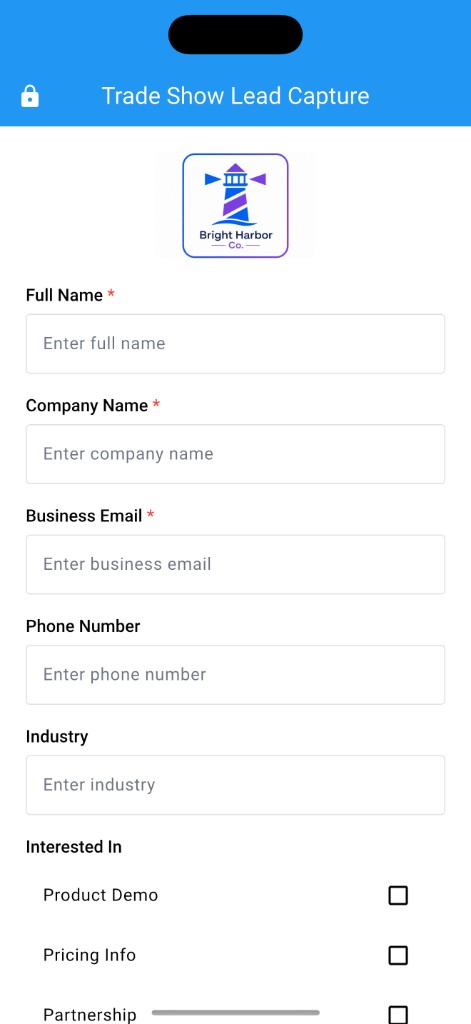
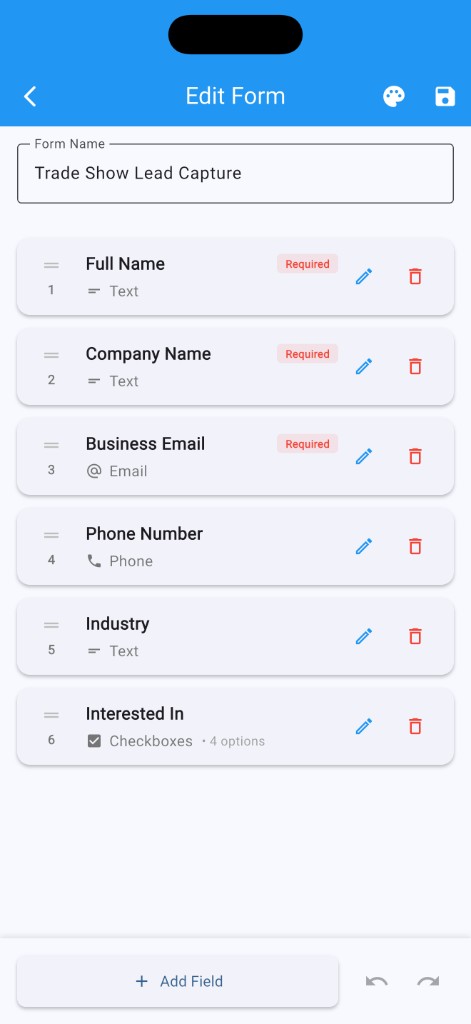
Create event forms with text, email, phone, number, date, dropdown, checkbox, radio, multiline, and rating fields.
Build custom forms, run secure kiosk mode, collect visitor info without an account or internet connection, then export CSV when the event is over.

HowdyForms helps teams capture leads, sign-ins, registrations, and feedback at in-person events without relying on cloud sync or live internet access. Create the form once, style it for the event, hand the device to visitors, and keep the follow-up data organized on your device.
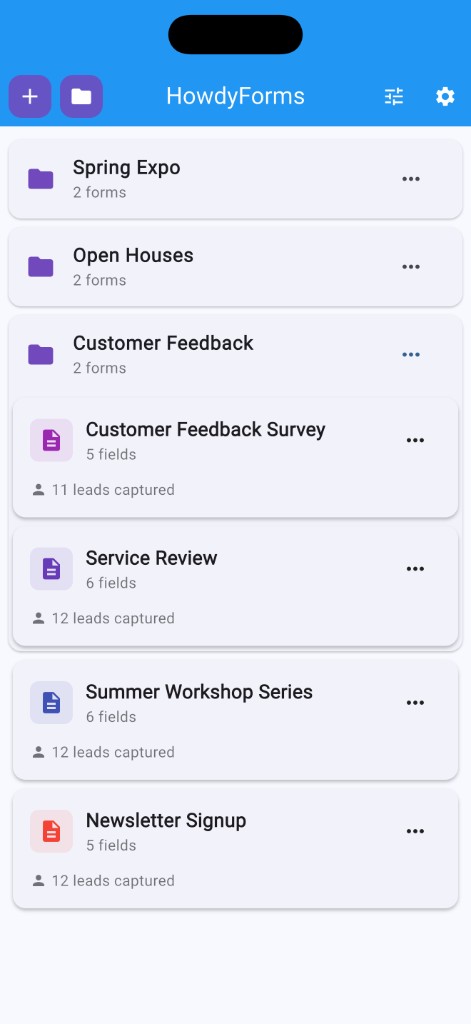
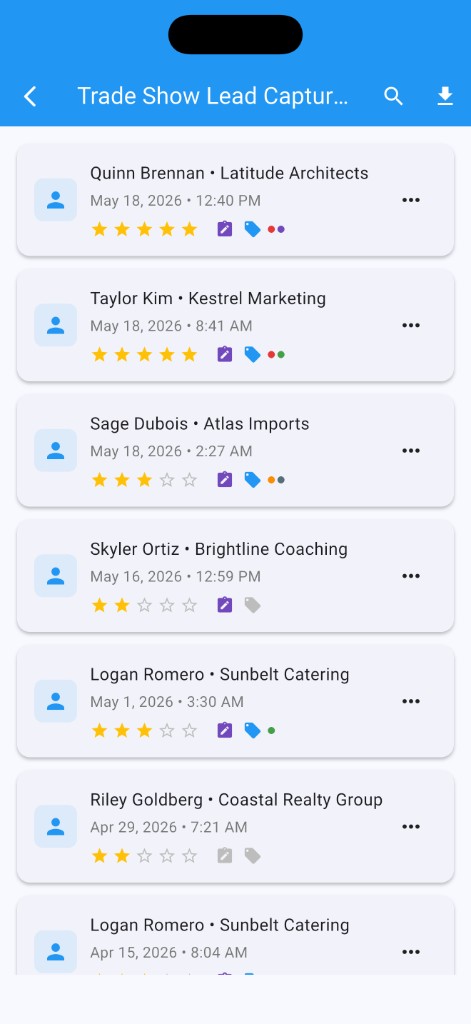
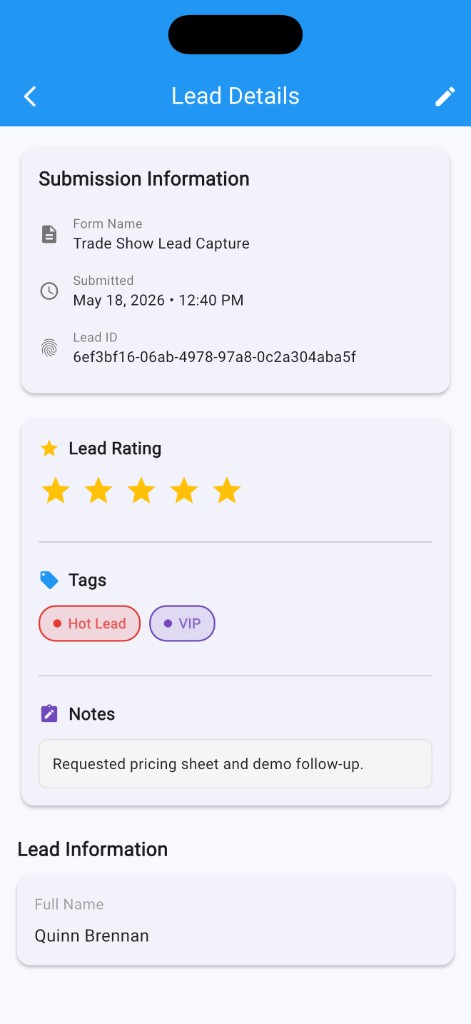
After the event, review every submission, rate leads, add notes, organize tags, search entries, and export everything to CSV through the system share sheet.
Simple enough for a quick sign-up table. Flexible enough for trade shows, open houses, conferences, and customer feedback.
Create event forms with text, email, phone, number, date, dropdown, checkbox, radio, multiline, and rating fields.
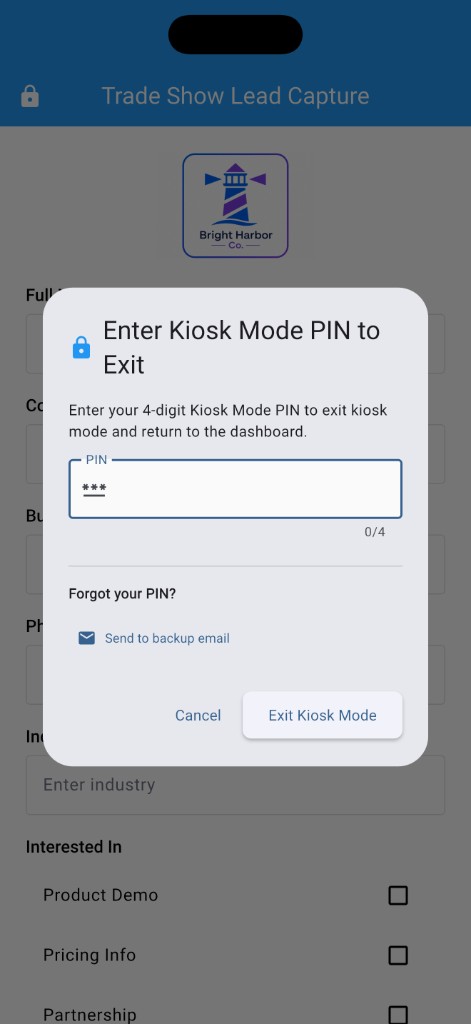
Set up a visitor-facing form on a phone or tablet, then use an optional kiosk PIN to keep visitors from exiting the form.
Forms, leads, tags, ratings, notes, photos, and backups stay on the device unless you choose to export or share them.
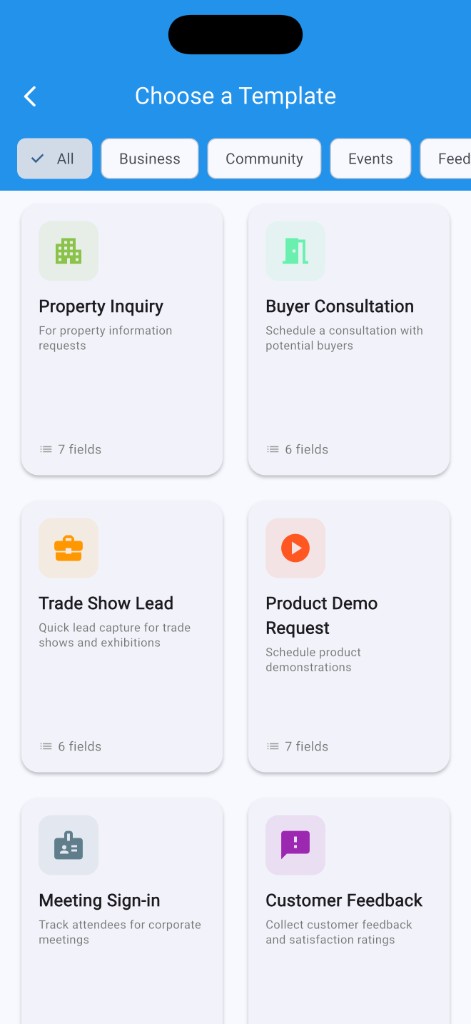
Start fast with templates for trade shows, open houses, customer feedback, sign-ins, giveaways, and more.
Review submissions, add ratings and notes, organize tags, search entries, and export CSV for your next follow-up step.
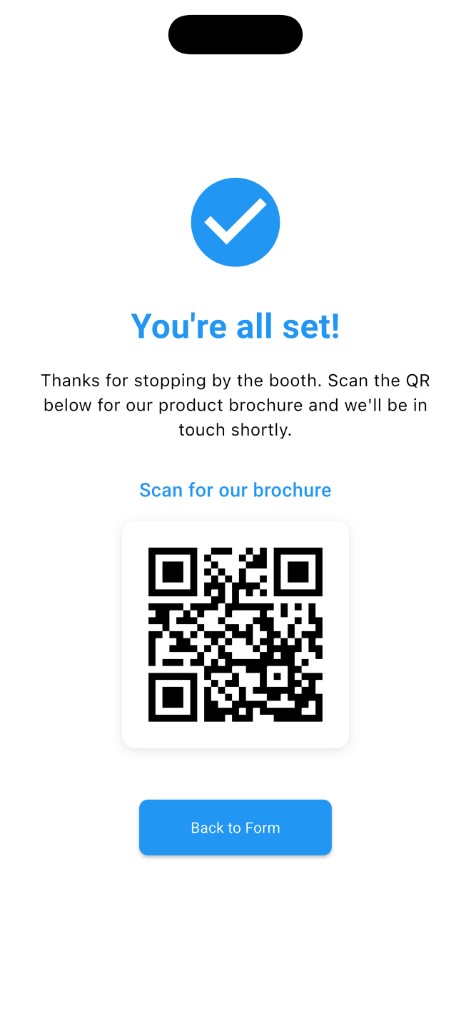
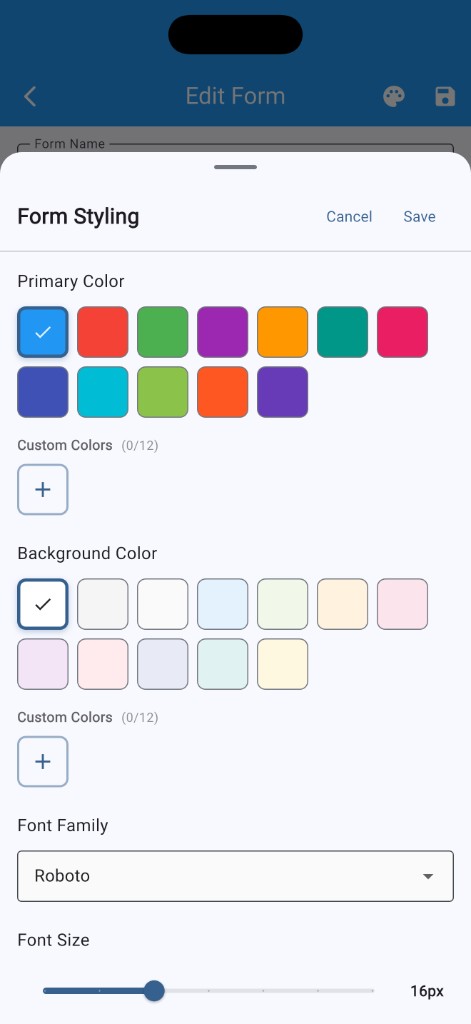
Style each form with colors, fonts, logos, header images, and a thank-you screen with an optional QR code.
HowdyForms is made for teams that need a polished, local capture flow without setting up an account, a CRM, or a web form before every event.
Build the form, lock it into kiosk mode, guide visitors after submission, then qualify the leads when the event wraps.
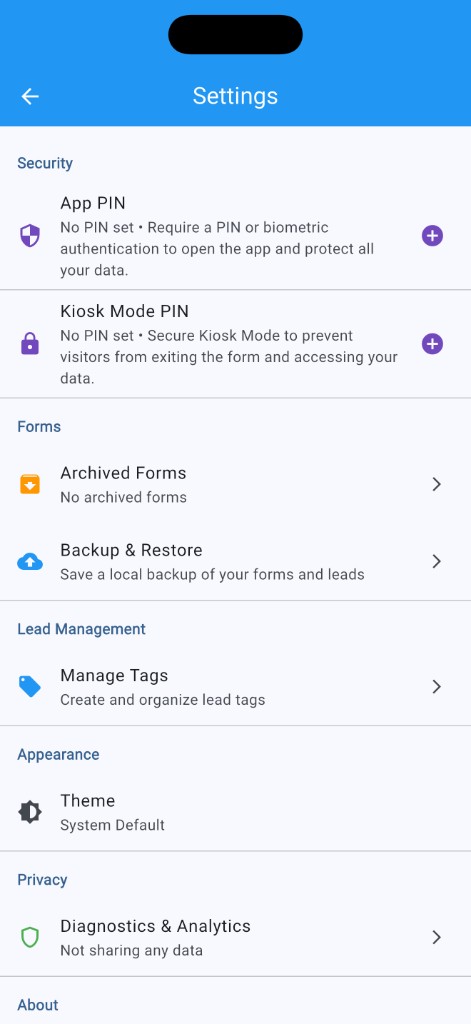
Your forms and leads are stored locally on your device. Nothing is sent to Lobster Claw Software unless you explicitly choose to share diagnostics and analytics, and even then, form and lead content is not included.
HowdyForms is built for quick setup, professional presentation, and simple CSV follow-up after the event.